Building Wyllex: Turning Learning Into AI-Generated Short Videos
A behind-the-scenes look at building an AI-powered educational product, from scripts and voiceovers to captions, visual storytelling, and the engineering challenges behind a video-generation pipeline.
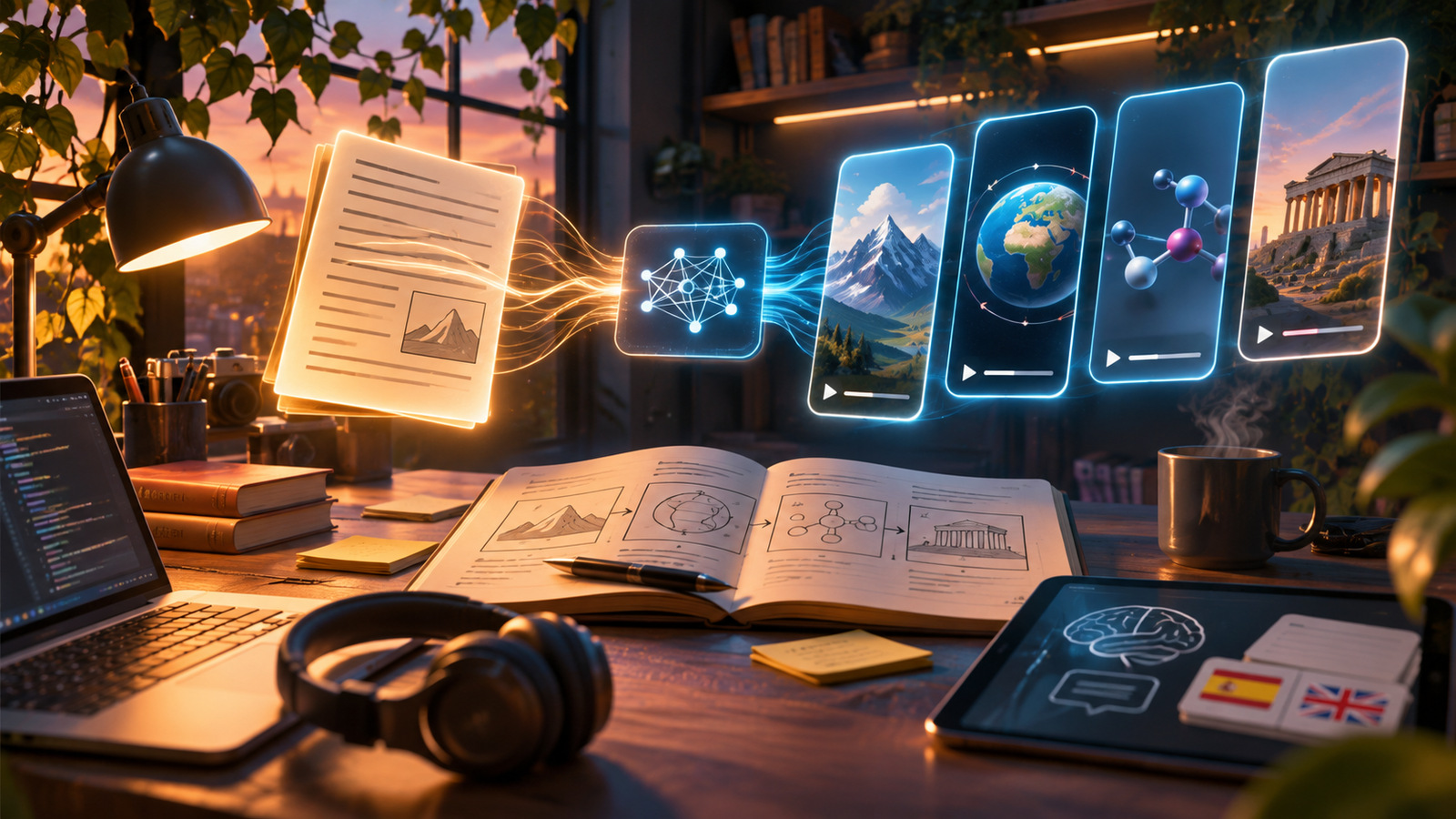
Most educational software asks us to read, scroll, highlight, and occasionally answer a quiz. Yet the way people actually consume content has changed. Short videos have become one of the most familiar ways to discover ideas, while studying still tends to happen inside static documents and long lectures.
That contrast was one of the motivations behind Wyllex, an AI-powered educational project I co-founded and developed. The central idea was straightforward: could software turn a topic into a short, personalized learning experience with narration, visuals, and captions, without requiring someone to edit every video manually?
The idea sounds simple. Building the underlying workflow is not.
From a topic to something worth watching
An educational video needs more than a paragraph generated by a language model. It needs a useful learning objective, a coherent explanation, the right visual sequence, readable captions, and audio that matches what appears on screen.
I approached this as a pipeline rather than one gigantic prompt. A topic first needs to be broken into smaller concepts. Those concepts can then be developed into a script and a scene plan. Each scene has a purpose: introduce an idea, demonstrate an example, show a comparison, or reinforce a takeaway.
The distinction matters. A text answer can tolerate a slightly awkward sentence; a video turns every awkward sentence into several seconds of wasted attention.
Making different media work together
One of the engineering challenges was coordinating outputs from tools that operate on very different representations of time.
Text is organized into words and sentences. Speech is an audio signal. Captions need precise timing. Visual assets have dimensions, aspect ratios, and durations. The final video must combine all these elements into one coherent sequence.
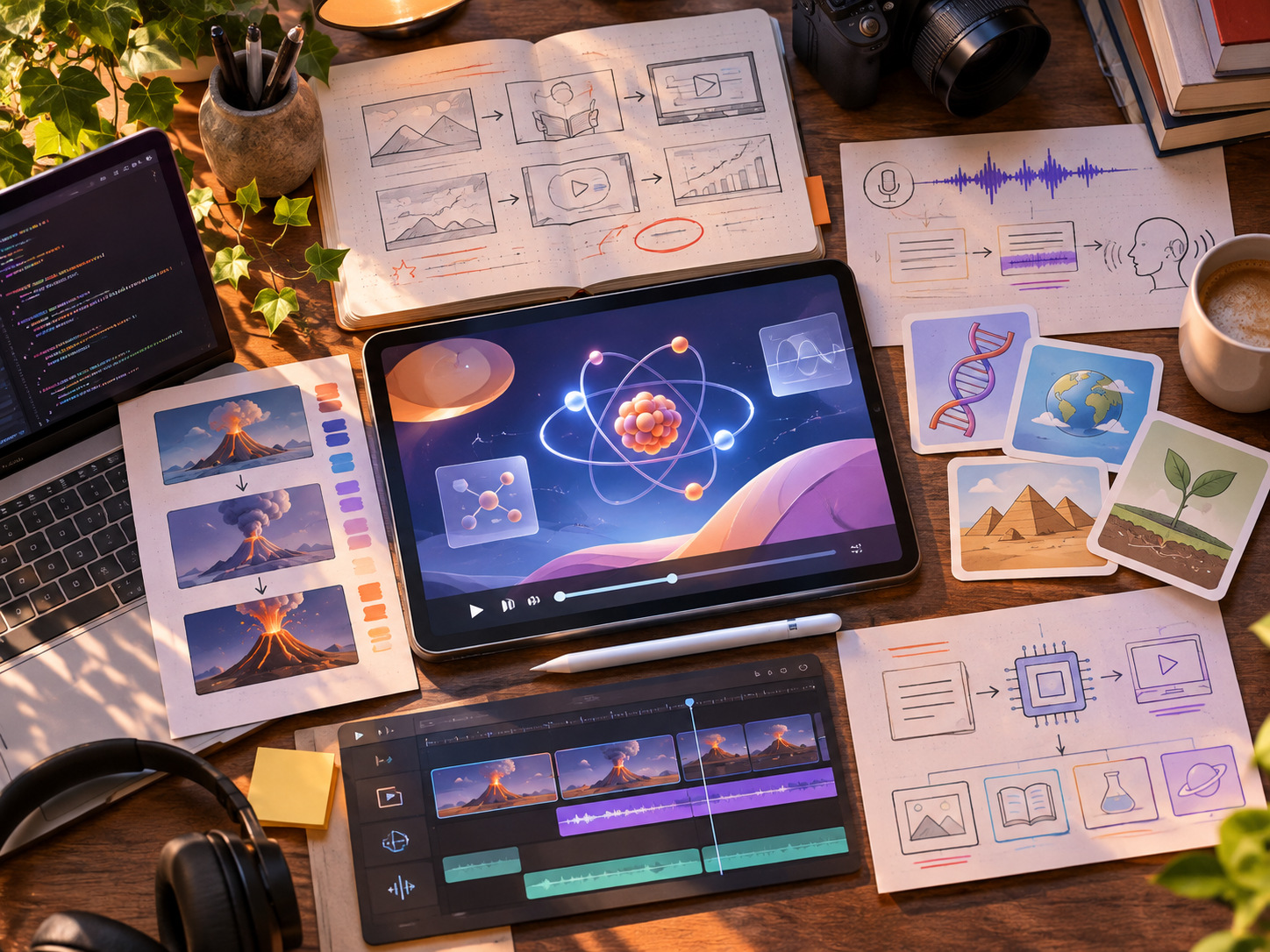
Our work involved automated content generation, audio, captions, multiple visual styles, and video rendering. A typical conceptual workflow looks like this:
- Plan: establish the learning objective and outline the scenes.
- Write: generate and refine a script appropriate for a short explanation.
- Narrate: produce the voiceover and establish timing.
- Visualize: select or construct visuals for each scene.
- Synchronize: align captions, voice, transitions, and pacing.
- Render: assemble the final video and check the output.
The difficult part isn't invoking each component independently. It's ensuring that a change in one stage doesn't silently break another. A shorter sentence may change caption timing; a new visual may require a different layout; a rendering failure needs to be recoverable without restarting every upstream step.
Personalization is more than changing the topic
A video about computer science for a beginner should look and sound different from a refresher aimed at someone studying the subject at university.
Meaningful personalization involves depth, vocabulary, examples, pace, and prior knowledge. It also creates a problem: the more personalized the content becomes, the harder it is to rely on rigid templates alone.
That led me to think carefully about the balance between flexibility and consistency. Templates provide predictability. Generative models provide variety. A useful system needs both, along with checks that the generated material actually teaches what it claims to teach.
The less glamorous engineering lessons
Working on Wyllex also highlighted the importance of product engineering outside the model itself.
A generation job may fail halfway through. External services may return unexpectedly formatted output. Caption text may overflow on a phone screen. Two assets may have mismatched durations. A perfectly valid video file may still be a poor learning experience.
To make a workflow dependable, it helps to define clear intermediate representations: structured scene descriptions, explicit timing information, predictable asset names, and validation before rendering. Those boundaries make debugging far easier than repeatedly generating everything from scratch.
Educational accuracy also deserves special treatment. A fluent explanation is not necessarily a correct one. Generated content should be traceable to reliable material and reviewed or checked when accuracy is important.
What I would focus on next
If I were extending the product further, my priorities would be measurable learning outcomes, better generation quality control, and more adaptive sequencing.
Instead of asking only whether a video looks polished, I would want to know whether the viewer understood the concept. Short quizzes, revision prompts, and feedback loops could help determine whether a particular explanation worked and what should come next.
I would also treat cost, latency, and reliability as product features. A creative system becomes much more useful when results are repeatable and generation jobs are observable.
Final thoughts
Wyllex taught me that applying AI to a product is rarely about calling a model and displaying its output. The real challenge lies in orchestrating many imperfect components into an experience that feels intentional.
It's a lesson that has continued to influence the way I design other AI-powered projects: start with a real problem, build a clear pipeline, and evaluate the final experience rather than the individual technologies.