Why On-Device AI Is Becoming a Big Deal Again
Apple’s 2026 Foundation Models updates highlight a broader shift: smaller local models, better privacy boundaries, and practical ways to build AI into everyday applications.
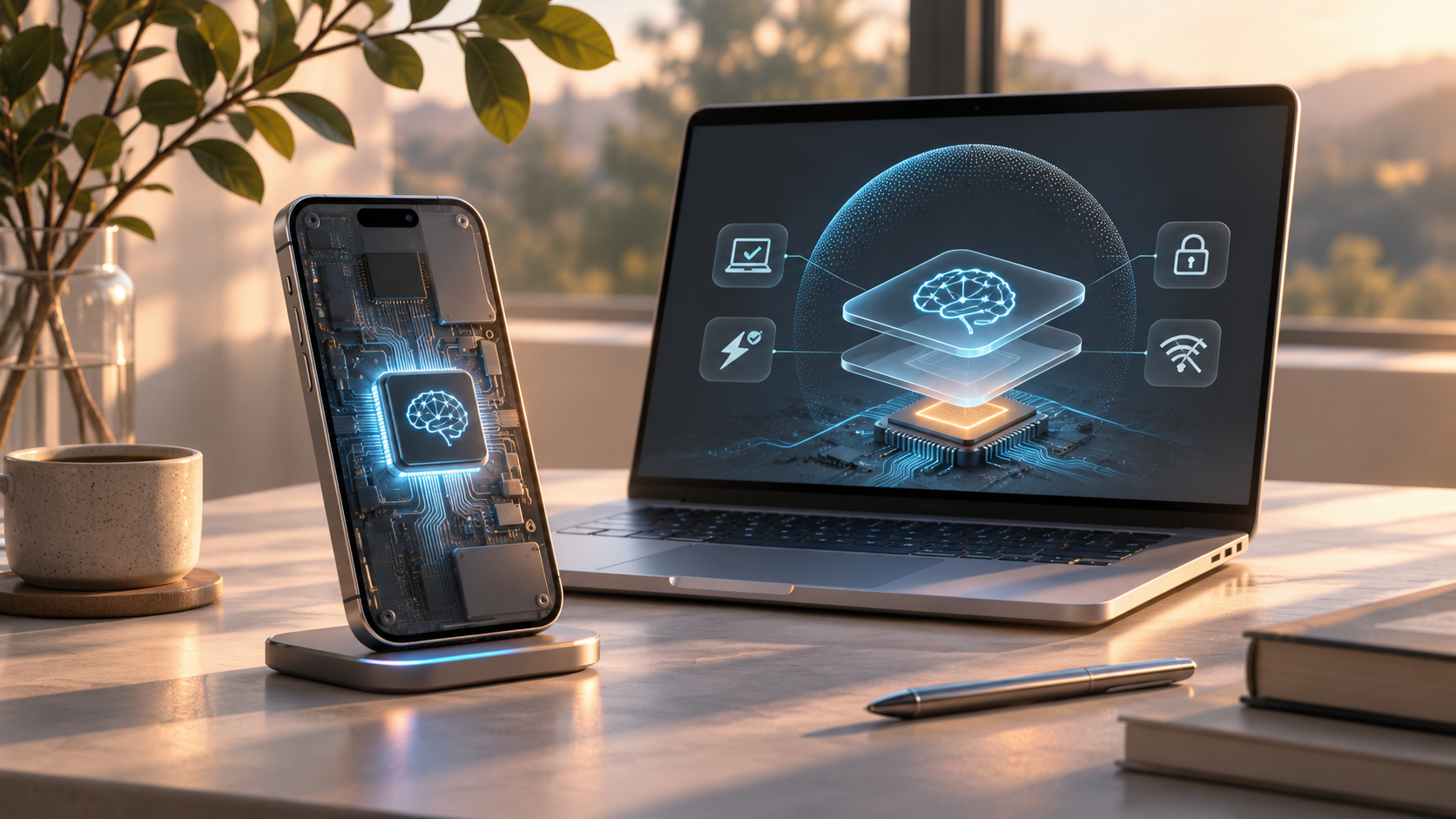
For the last few years, the default assumption in AI development has been that useful intelligence lives behind an API. An application sends a request to a powerful remote model, receives a response, and builds its user experience around that exchange.
That approach is extraordinarily useful, but it has costs: network latency, recurring usage fees, availability dependencies, and questions about where user data is processed.
Recent progress in on-device AI suggests that the future may look more hybrid. Some tasks will continue to benefit from large cloud models; others may work better when a smaller model runs directly on the user's computer or phone.
What changed in 2026?
In June 2026, Apple described a third generation of its Foundation Models, including on-device systems and server models designed for its privacy-focused computing infrastructure. Its developer tools also expanded how applications can access on-device models, incorporate visual input, switch model providers, and evaluate model behavior.
The important point isn't that every device suddenly became capable of running the largest frontier model. It's that developers now have more practical ways to integrate smaller, capable models into ordinary software.
Instead of thinking of AI as one universal endpoint, we can think of it as a set of capabilities available at different locations, speeds, and costs.
The real advantage: proximity to the task
Imagine a note-taking application that automatically suggests a useful title. A calendar that extracts a date from casual language. A file manager that groups documents by subject. A personal assistant that maps a spoken request to an application command.
These tasks don't necessarily require a huge remote model. They may benefit more from low latency and close integration with the operating system.
On-device execution can also improve privacy by reducing the need to transmit sensitive input to a server. But local execution alone is not a complete privacy guarantee. Apps still need appropriate permissions, secure storage, careful logging, and a clear policy for when data leaves the device.
The location of the model is only one part of the system's security model.
Small models have different engineering constraints
Running locally changes what developers optimize for. In addition to quality, they must consider memory use, power consumption, thermal limits, startup time, and compatibility across hardware generations.
Techniques such as quantization can reduce model size and accelerate inference, but there may be trade-offs in accuracy or capability. A model that performs well on a desktop may be inappropriate for a phone operating on battery power.
It also changes how we test software. A feature should be evaluated on the devices people actually own, using realistic input lengths and concurrent workloads—not only on a developer's fastest machine.
Hybrid AI is more interesting than a winner-takes-all debate
I don't think the useful question is whether local AI will replace cloud AI. A better question is: which parts of the workflow deserve which kind of intelligence?
A small local model could classify a command, summarize a short note, or identify the tool needed for a task. A larger cloud model might be more appropriate for deep research, complex planning, or lengthy technical reasoning.
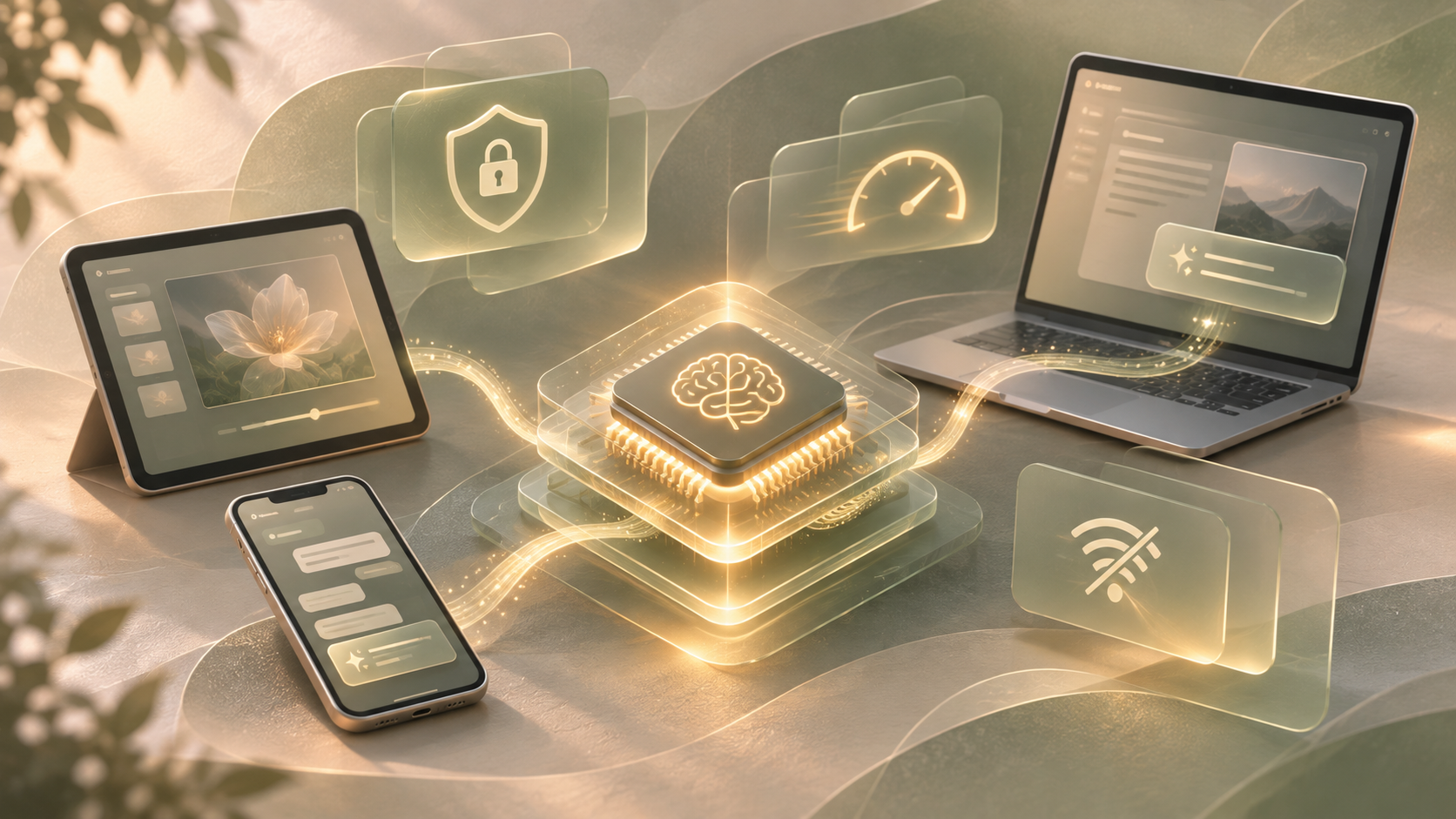
A well-designed assistant can choose between them based on task difficulty, user preferences, available hardware, and privacy constraints.
That introduces new responsibilities. Routing decisions should be understandable. Failures should have sensible fallbacks. Sensitive operations should not be sent elsewhere unexpectedly. Models should be evaluated for the actual tasks they are assigned.
What the tools mean for developers
Apple's 2026 developer changes are interesting because they connect models to familiar application-development workflows. Rather than relying entirely on manually formatted prompts, developers can build structured interactions, attach tools, and evaluate behavior more systematically.
That is useful for personal automation projects because the hardest problems often occur around the model: retrieving the right context, verifying requested actions, handling ambiguous language, and recovering when an app is unavailable.
The best AI integration may involve surprisingly little generated prose. A model might interpret the user's intention and return a structured command; deterministic code then performs the operation safely.
The limitations remain real
On-device models are constrained by hardware and can still hallucinate, misunderstand instructions, or produce inconsistent tool calls. Availability also varies across operating-system versions and supported devices.
Developers should avoid assuming that a product announcement guarantees an identical feature on every Mac or iPhone. The relevant APIs, supported hardware, and actual model behavior need to be tested.
My takeaway
On-device AI is exciting not because it makes the cloud obsolete, but because it gives software developers another useful design choice.
A future personal assistant may rely on a local model for fast, private everyday interactions and selectively use more powerful systems for work that genuinely needs them.
The biggest improvement may not be a smarter chatbot. It may be ordinary software that understands what we want with less friction.